Manage your Survivors for Thrive to Survive, the zombie apocalypse TTRPG
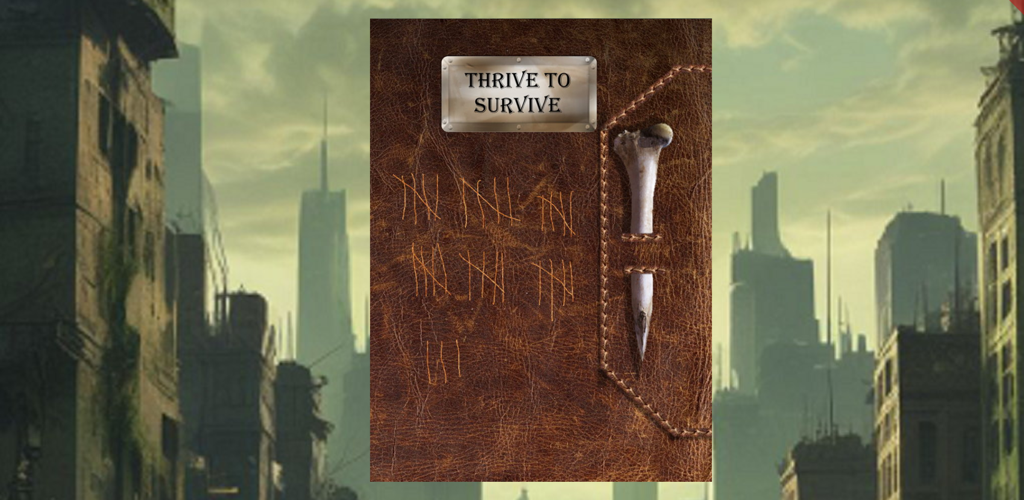
Thrive to Survive is a tabletop RPG set in a modern day zombie apocalypse. Launched on Kickstarter in 2025, this system focuses on Survivors making their way in this apocalyptic, world.
Key Features
- Create and manage all your Survivor characters
- Create new characters
- Create a character from scratch, or use templates from the Thrive to Survive ruleset.
- Select your own portrait, or have the system generate an AI prompt to create a portrait using your favorite AI system.
- Contains all the talents, disabilities, and skills from the manual.
- Automates the process of tracking your Character Points
- Manage your inventory. Contains all the weapons, armor, and items from the manual, or you can create your own!
- Print an official character record sheet
- Creates a PDF just like the one from the manual, prefilled with all the details from your character
- Share, print, email, or save your character sheet
- Manage your character during gameplay
- Manage combat attacks
- Automatically determine rolls based on your attributes, weapon, skills, talents, and combat maneuvers
- Determine where an attack hits, including skills and maneuvers which modify location
- Roll the attack yourself, or use the built in dice roller to automate the attack process
- Manage being hit in combat
- Automatically calculate damage taken, taking into account:
- Armor Damage Reduction
- Manage Armor Health
- Talents and Disabilities
- Manage body part health
- Detect and manage body part being crippled or destroyed
- Track bleed effects
- Automatically calculate damage taken, taking into account:
- Manage inventory
- Equip armor and weapons
- Track weight of carried items and the resulting encumbrance effects on rest, combat, and movement.
- Manage combat attacks
- Track and spend new Character Points awarded throughout the game
Support
Please start by reading the online help available at the top of each screen in the app. If that isn’t displaying, click on the help question mark in the top header of the screen, which toggles whether that help is visible or not.
If that doesn’t answer your question, please reach out to us at: software@ewonderz.com, and we will strive to get back to you in 1-2 business days.
If you encounter a crash when using the app, when it suddenly quits, please include the steps you were doing when the crash happened.